We do not want to be your SIEM
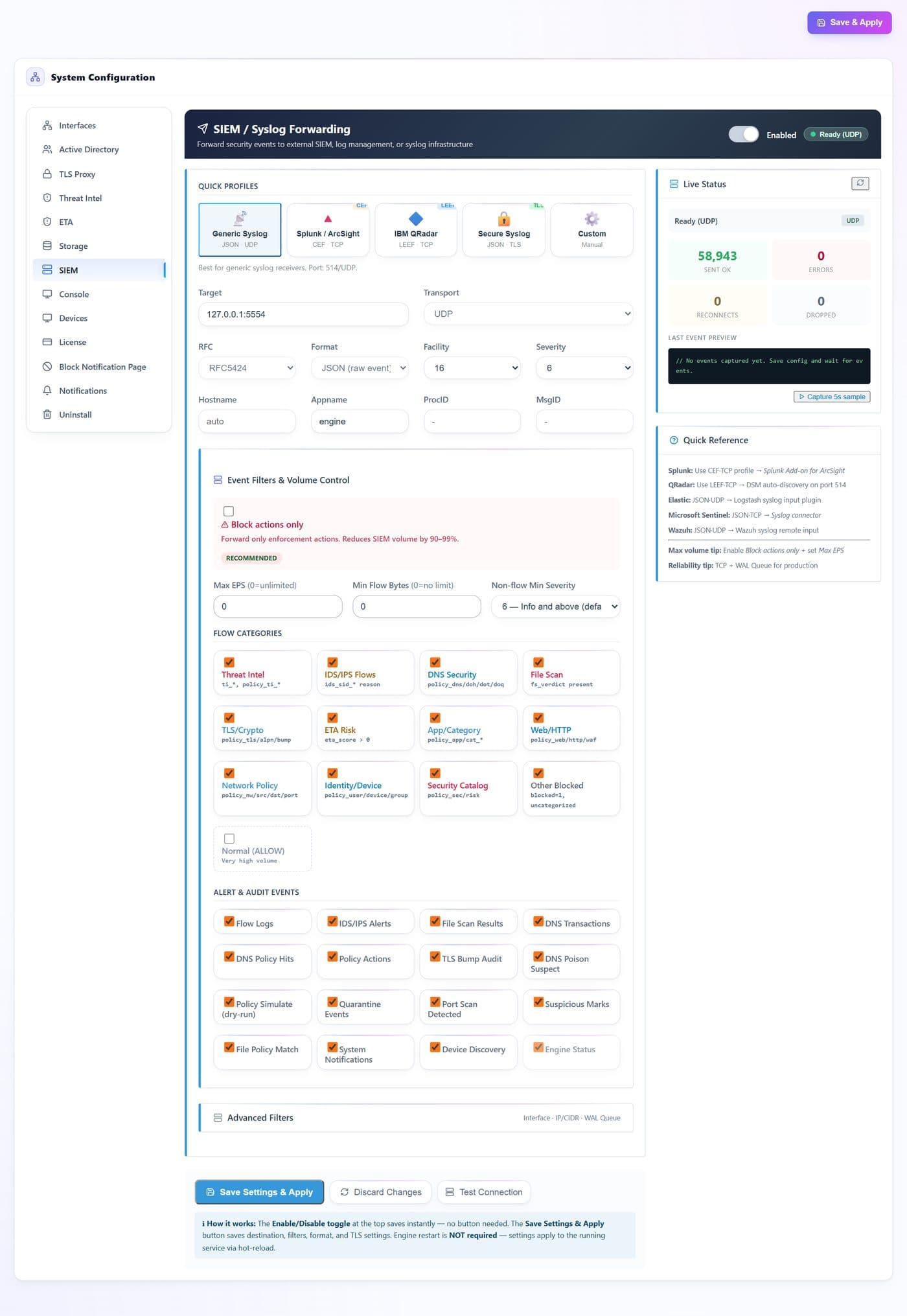
Storage, correlation across sources, hunting and case management are your platform’s job, and you have already paid for it. Ours is to be the best-behaved source in it: CEF for Splunk and ArcSight, LEEF 2.0 for QRadar, structured JSON, RFC 5424 or 3164, over UDP, TCP or TLS on 6514 — or straight to an Elasticsearch bulk endpoint where a syslog hop is not wanted.
A record you can close a ticket on
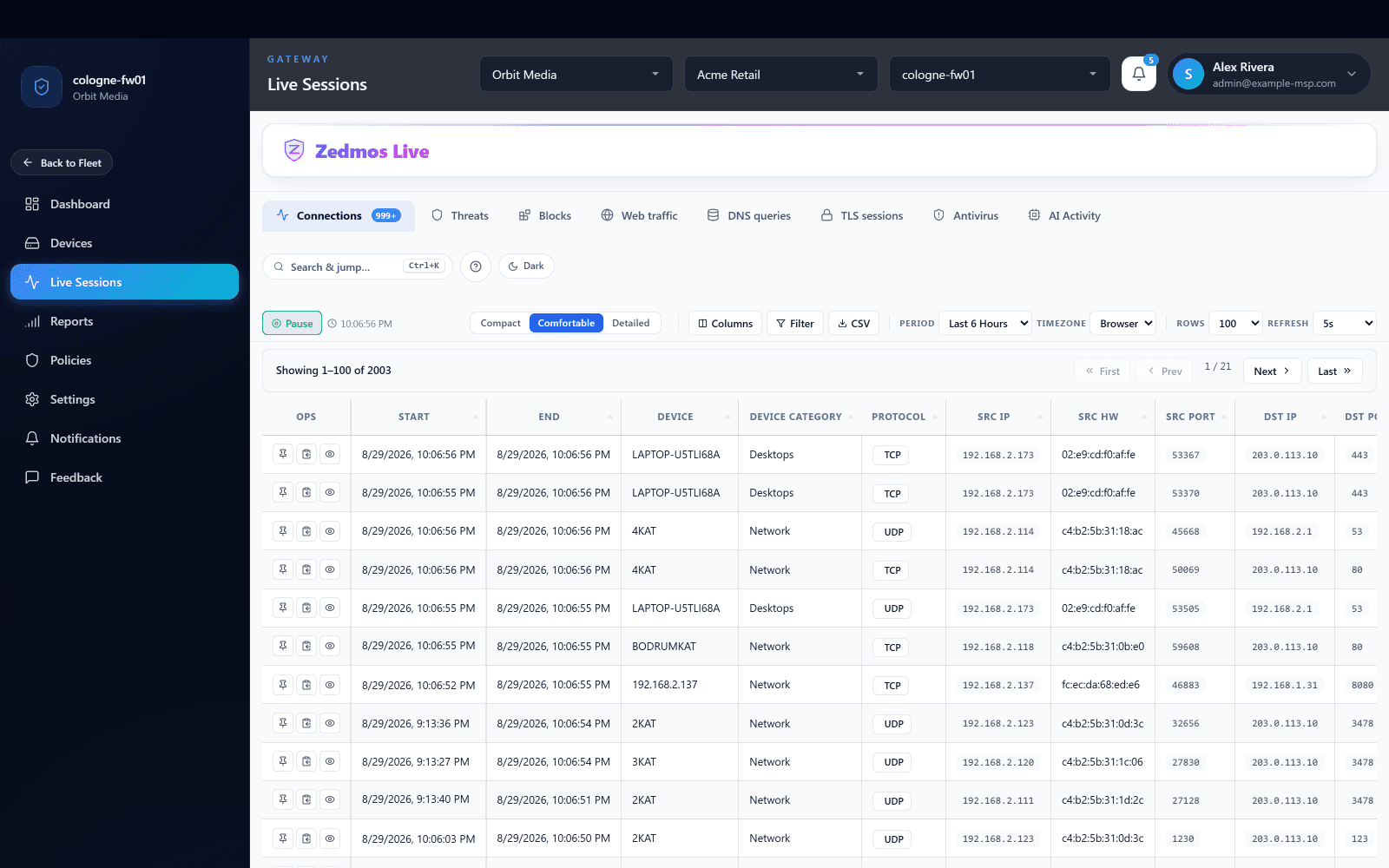
The event carries the decision and the rule behind it — matched policy and group, rule id, application and category, SNI, the DNS question asked, the URI, the interface, the byte count — and the user and device the flow belonged to, resolved on the box from directory and VPN identity. The first question after an alert is who, and it is already answered in the record.
You decide what your SIEM is billed for
Filtering happens before the event leaves the firewall: by event type, flow category, minimum severity, minimum size, source subnet, interface, or blocked flows only — with a token-bucket ceiling on events per second above all of it. Ingest volume becomes a dial you set per customer instead of the price of turning inspection on.
No gap while the collector is down
When the target stops answering the sink writes ahead to disk and replays the backlog once it returns, inside a size limit you set. An event dropped by the ceiling you chose is counted separately from one that failed to send, so a deliberate cap never reads as an outage.
Each customer reports where that customer wants
The export target is per firewall. A customer who runs their own SIEM keeps it; a customer you monitor centrally ships to yours; a co-managed estate sends to both. Nothing is funnelled through a vendor tenant on the way, because there is no vendor tenant in the path.
An analyst sees one customer
Access is a role — owner, admin or viewer — granted at the tenant, the branch or the single gateway. A first-line analyst can be scoped to one customer, or to one site inside it, and the console shows nothing beside it. The boundary sits in the data model, not in a filter someone has to remember.
A customer onboards without a site visit
An admin issues a one-time install token bound to the customer and to an expiry. The firewall presents it on its first registration, the token is spent, and the box is bound to that customer from then on. The token is stored hashed and shown once, so a leaked console page does not hand anyone an enrolment.
Containment comes out of the same policy
Most sensors can only tell you. Past allow and drop this one can quarantine the device, tarpit the source, escalate, rewrite, or POST to your SOAR webhook — dispatched on a worker thread, so the inline path never waits on your automation and a slow webhook cannot become a network problem.
A management outage is not a security outage
If the console is unreachable, or a licence lapses, every firewall keeps enforcing the policy it already holds and keeps writing its records. Nothing in the detection path depends on a cloud tenant staying up, and nothing stops because billing did.