Recognises applications, not ports200+
Almost everything is HTTPS on 443, so a port-based rule can only permit or deny all of it.
OPNsense Plugin
Installs from a package repository and appears under Services. Nine pages — dashboard, devices, live sessions, reports, policies, settings, notifications, update and support — inside the interface your team already uses.
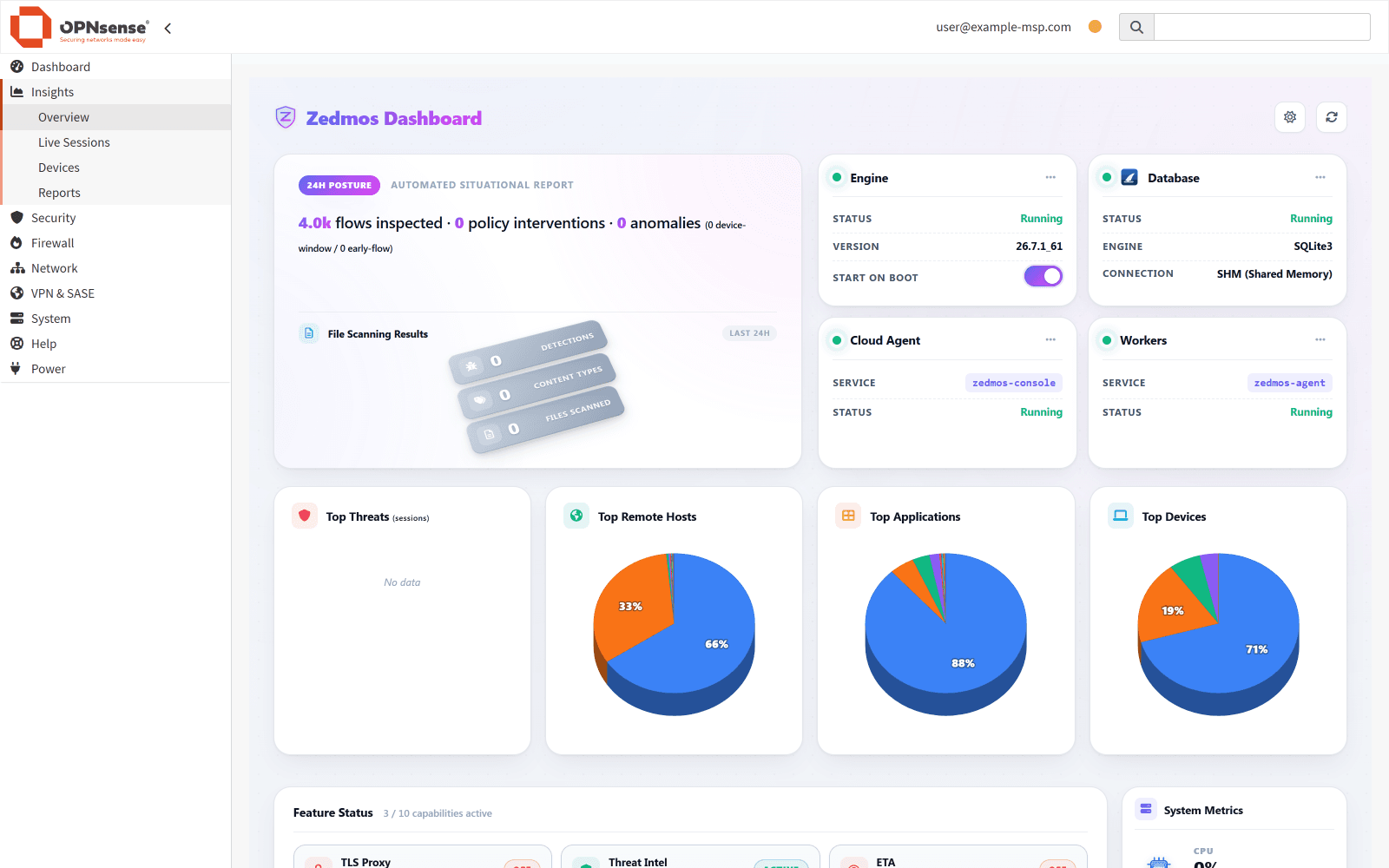
The firewall you run today decides by address and port. Zedmos installs into it and decides by what the traffic actually is, who it belongs to, and what it is carrying — without replacing anything that already works.
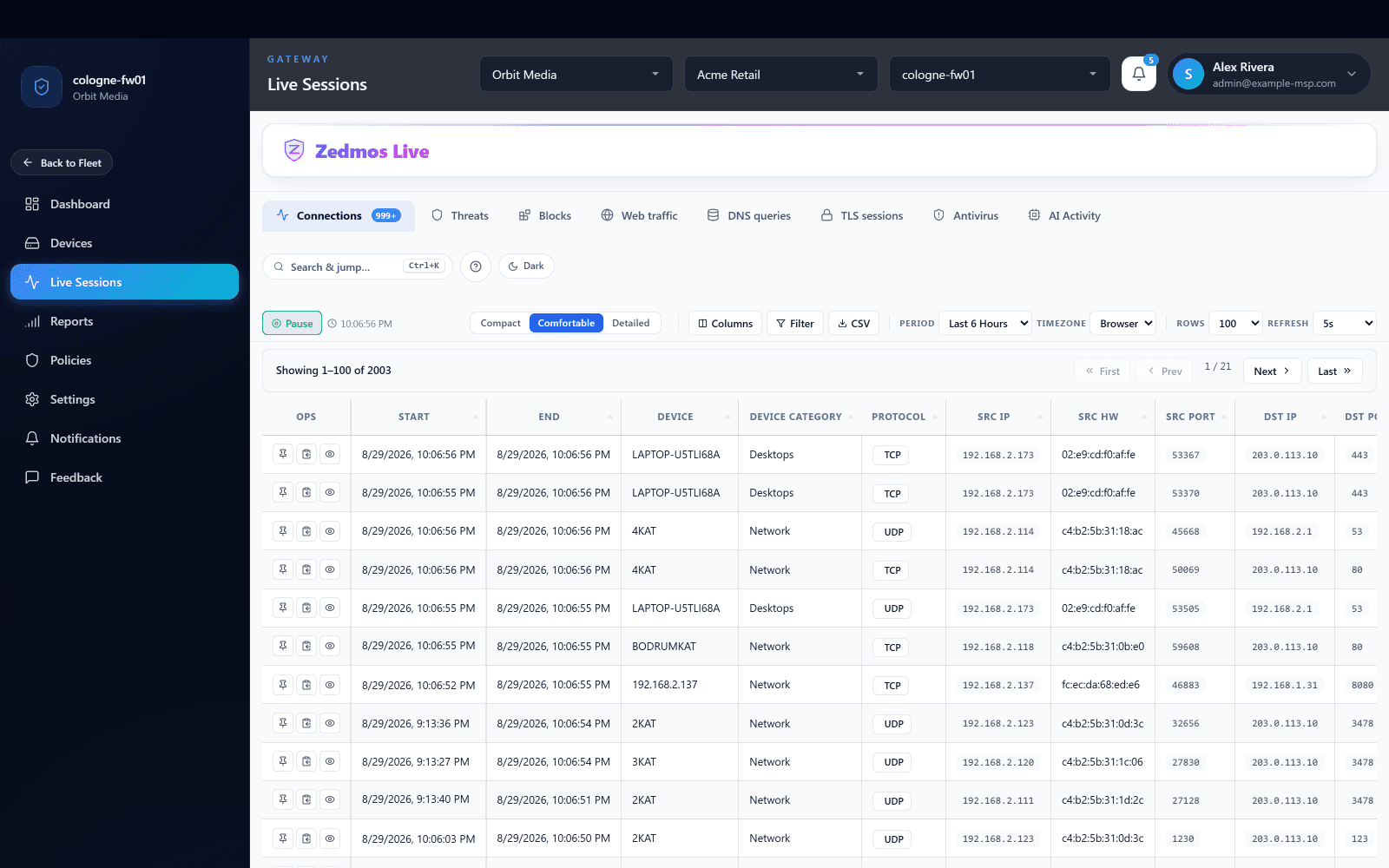
Every flow, classified by application rather than by port — the connections tab is the raw material for everything else.
The device, its category and its hardware address on the same row as the flow, so a policy can name a person or a group instead of an address.
Threats, blocks and antivirus findings for the same firewall, one tab away — signatures and intelligence applied before the session was forwarded.
TLS sessions and AI activity: which services were used, by whom, and what the content inspection found in what was sent.
Customer, site and firewall chosen at the top. The same view exists for every firewall in the estate, whichever platform it runs.
Grouped by the question each one answers. The same set on OPNsense, on pfSense and on Zedmos NGFW — one engine, one policy model, three ways to run it. Each has a fuller technical write-up under Resources.
Almost everything is HTTPS on 443, so a port-based rule can only permit or deny all of it.
Bump what you choose to; leave banking and health traffic alone by rule.
JA3, JA4 and ALPN identify the software behind a session even when it is not decrypted.
The protocol most of the web moved to, seen and controlled rather than left as a gap.
Encrypted resolution routes around a classic firewall's name-based rules. Not around this one.
Every flow on screen as it happens, carrying the decision and what drove it.
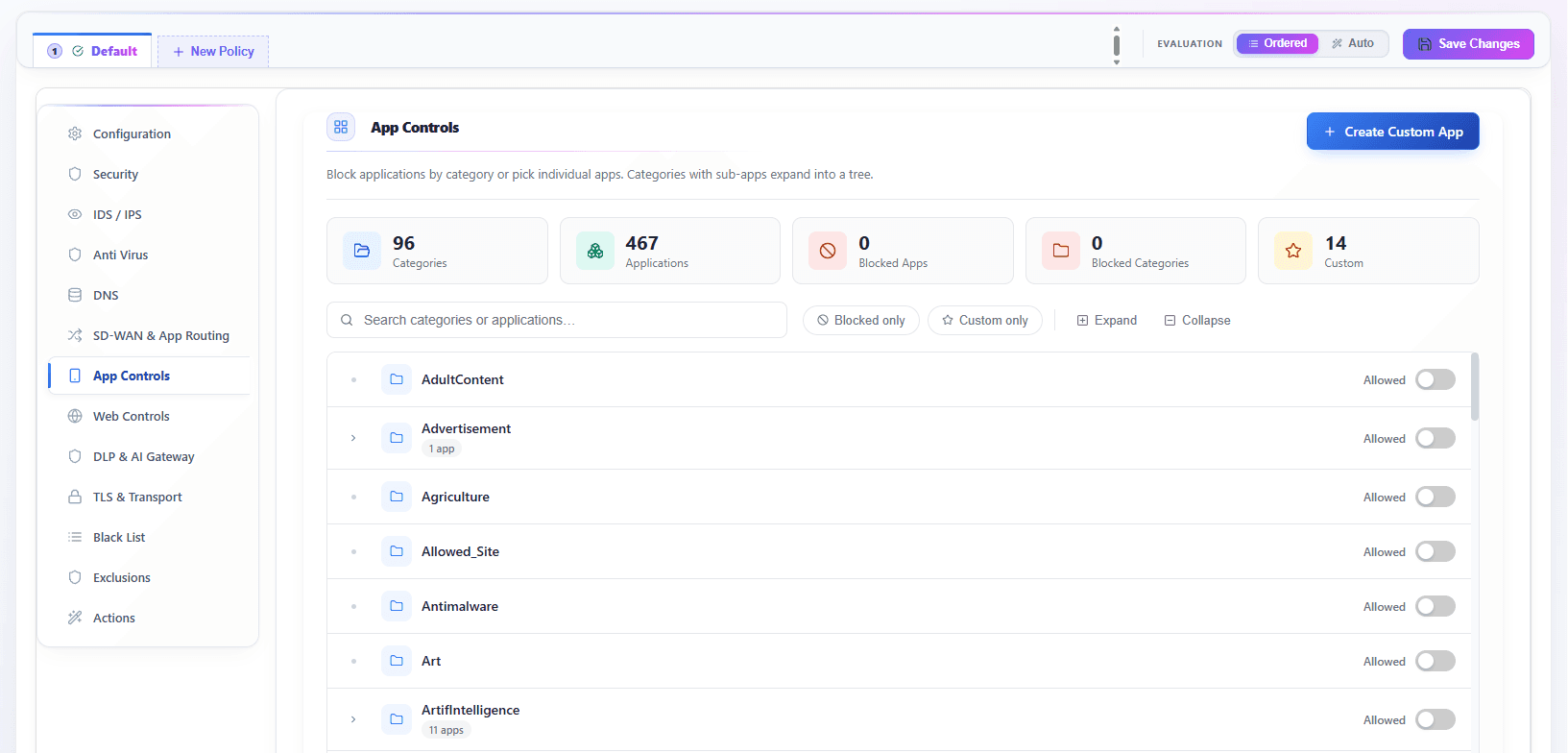
Signatures evaluated inline on the same appliance — a match is a block, not a morning alert.
Indicators gathered and cross-checked, then pushed to every firewall you manage.
Attachments and downloads examined before they land, not after.
Allow, log, rate-limit, quarantine, reset, drop — and the rest, on both platforms.
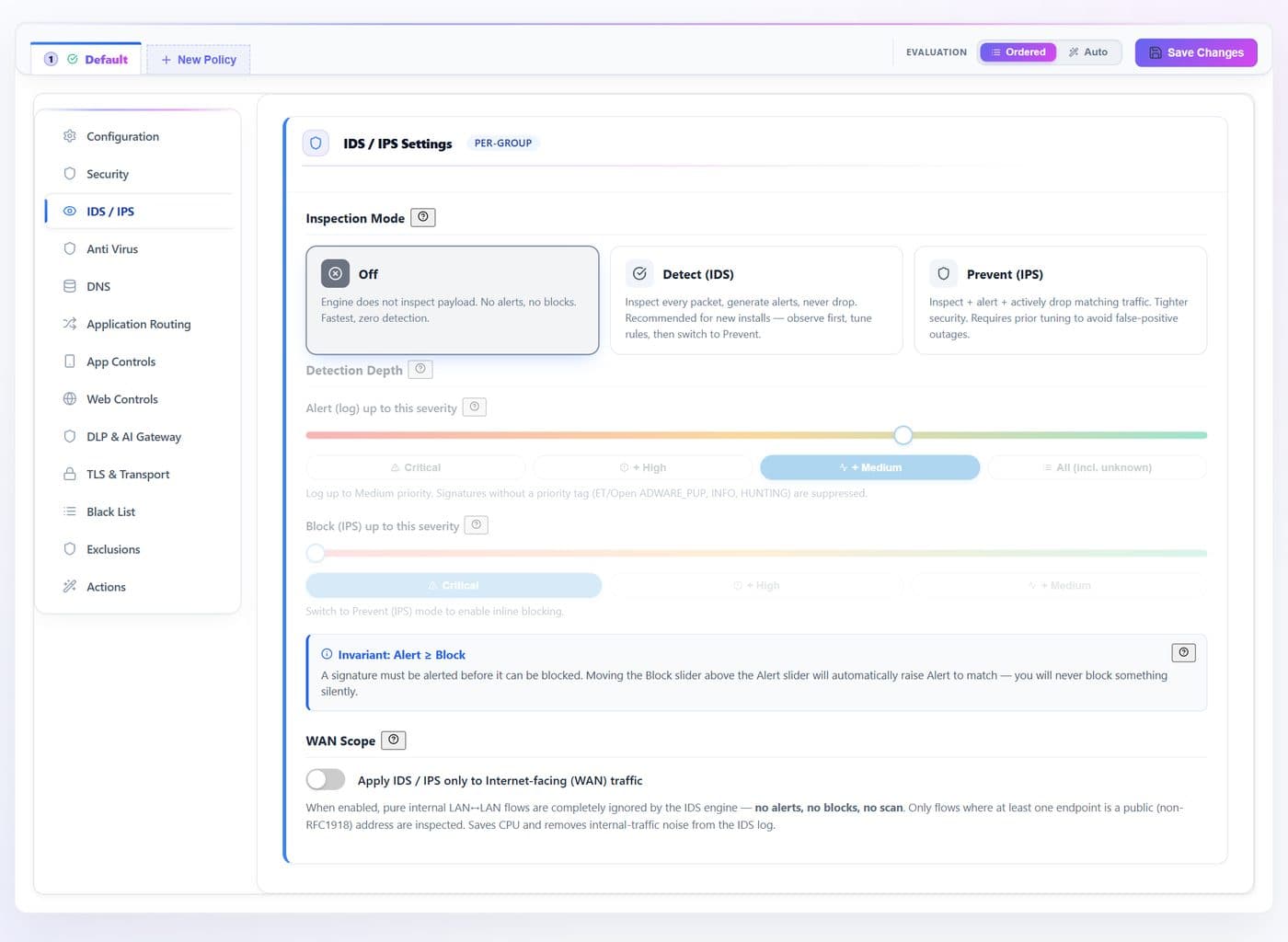
Which assistants are in use and by whom — answered without reading a single prompt.
Source code, credentials and regulated data caught on the way out, not in a breach report.
Deterministic matchers plus a local model. Sending content away to ask whether it may be sent is a contradiction.
Watch and record; strip the sensitive part and redirect; or block outright. The rule's action verb is the only change.
ChatGPT, Claude, Gemini, Copilot, Perplexity, Mistral — and an in-house endpoint you declare yourself.
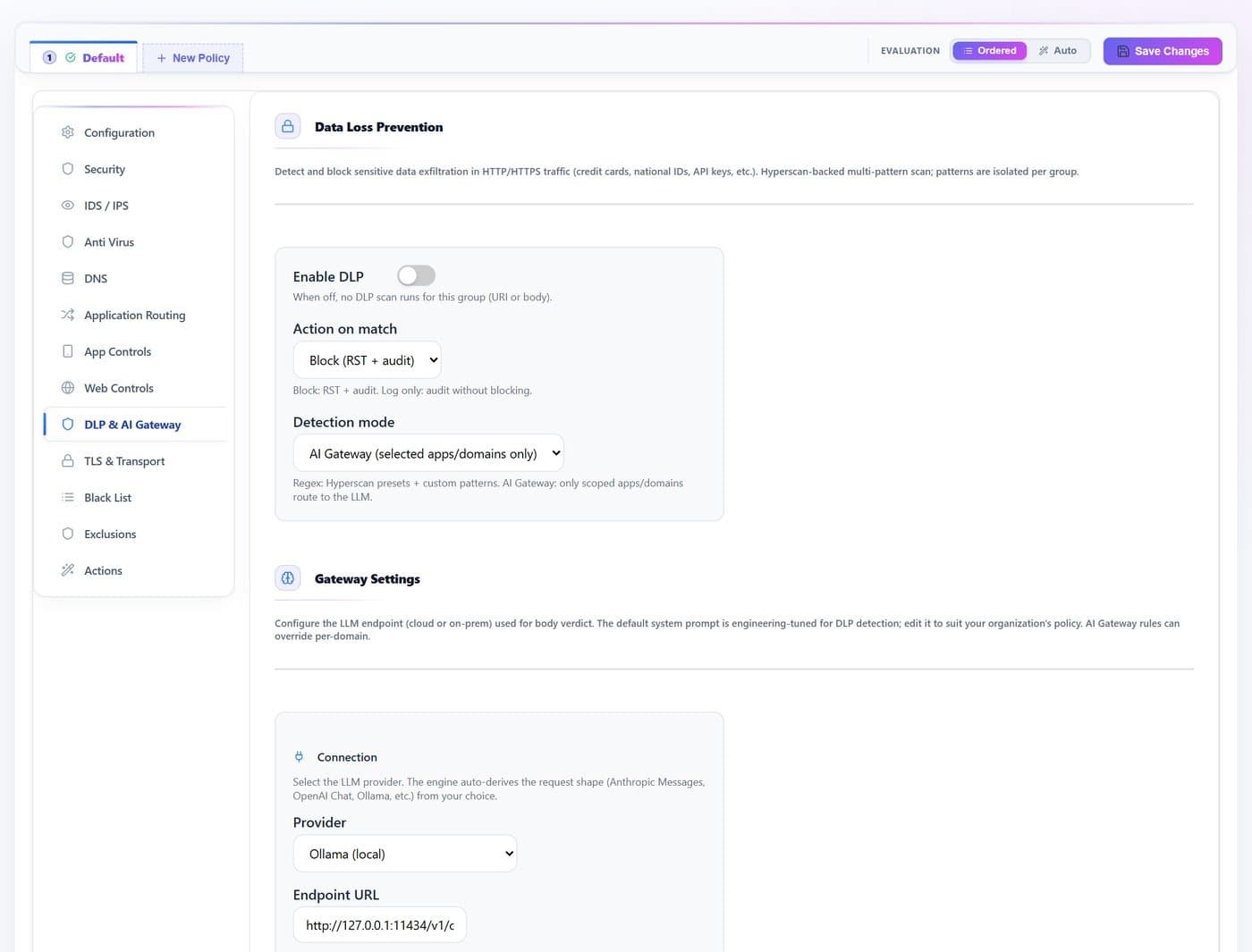
Browser, SDK or script, autonomous agent, MCP client, or none of these — every request is placed in a class before an action is chosen.
The user agent, the shape of the request envelope and the address it is posted to — a raw API endpoint and a chat surface are told apart.
A request carrying tool definitions, calls or results is what turns an assistant into something that acts. It can be allowed, recorded or refused on that ground alone.
Programmatic access to a provider nobody approved is its own case, separate from someone opening the same site in a browser.
Marking forwards the request and records it with a reason and a sensitivity class on the AI activity page — so a class can be watched for a week before anyone decides to block it.
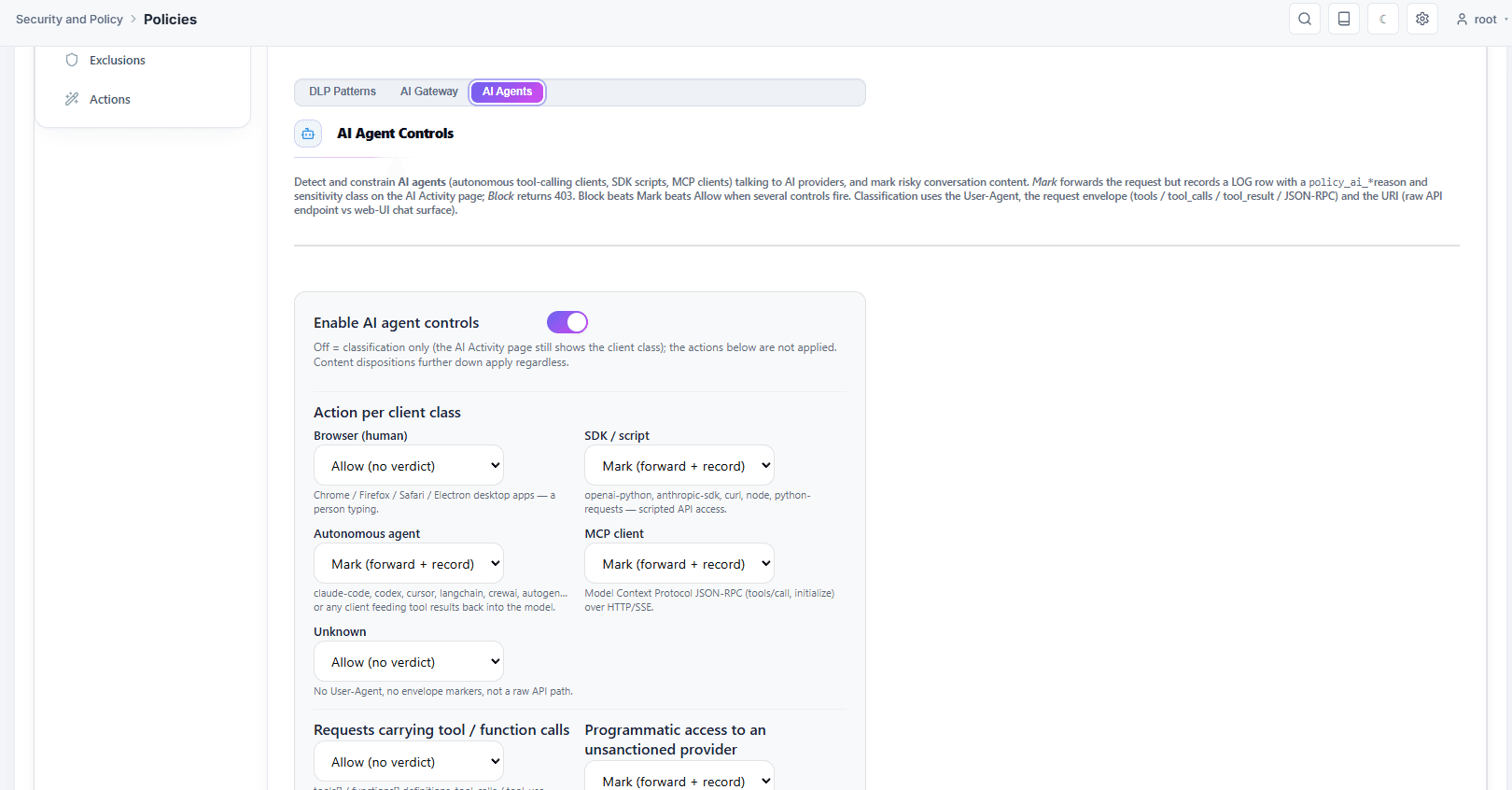
Card numbers, secrets, health and financial data, and national identity formats for twenty-two countries.
A file attached to a web form and a paragraph pasted into a chat are the same risk.
The record names the rule, what was detected and where — without keeping the content itself.
A control that lets traffic past when it cannot evaluate it is not a control on the path that matters.
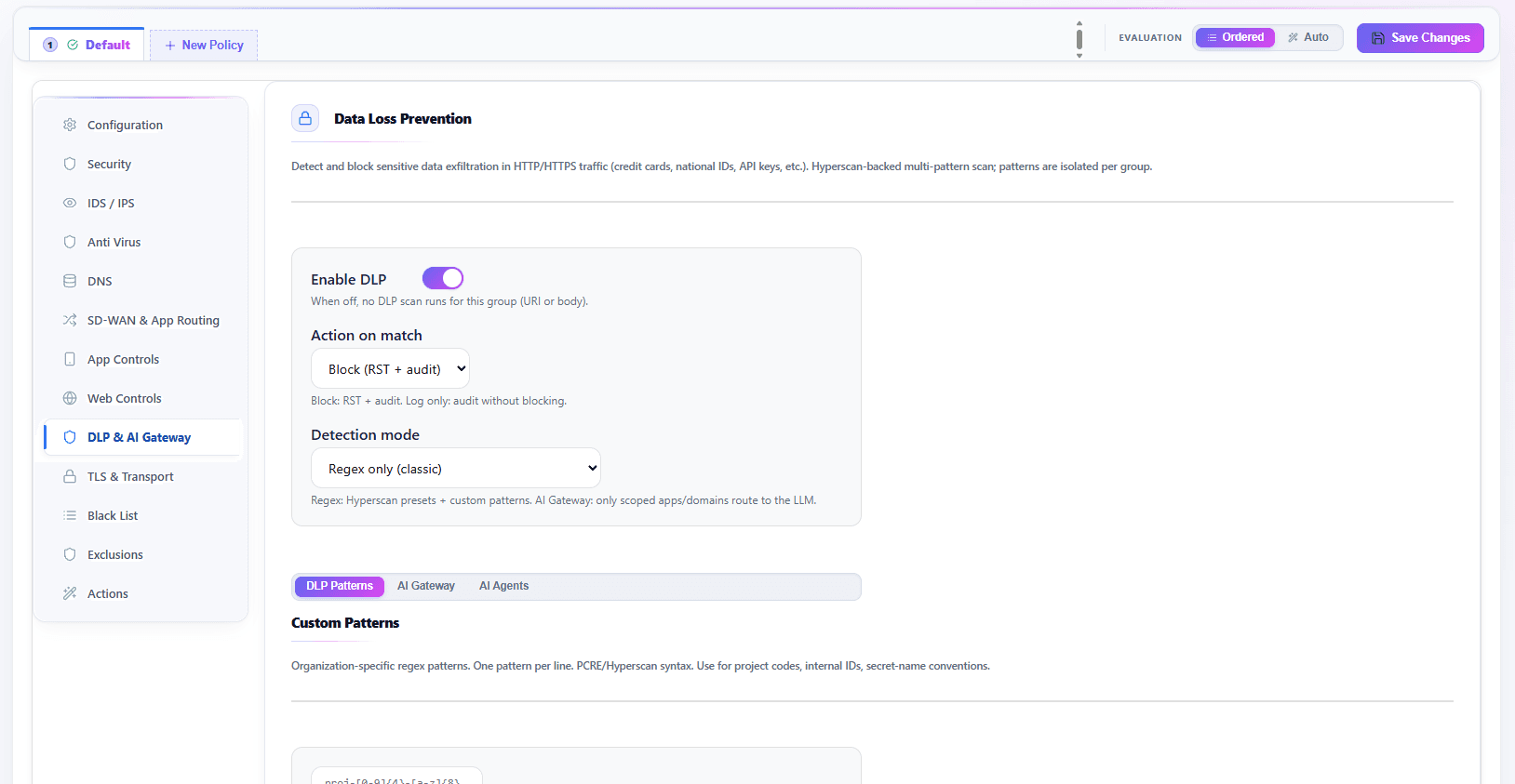
A managed laptop and a personal phone share a subnet and look identical to an address rule. For an enrolled remote device, your own Intune or CrowdStrike says whether it is healthy.
Active Directory, Entra ID or SCIM — and, for a remote person, your own OpenID Connect provider at enrolment. An entitlement follows the person, not their DHCP lease.
A device restricted to what it needs to be fixed is a device you can still fix.
Different rules for a guest network, a server segment, and outside business hours.
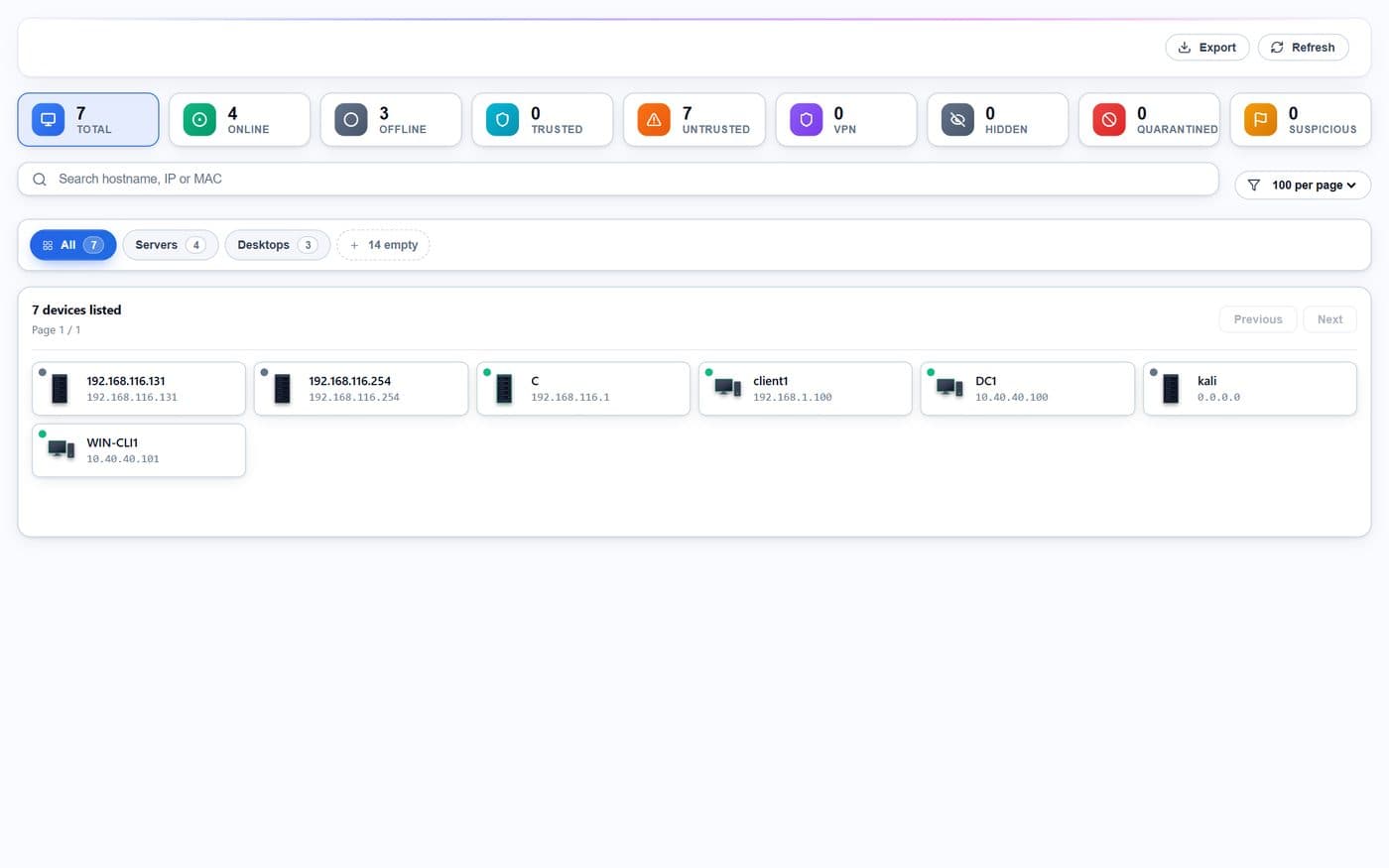
Scored on loss, latency and jitter — a link that is up and losing packets is not a healthy link.
WireGuard, OpenVPN or GRE in four shapes — one hub, a hub pair, direct tunnels between spokes, full mesh — provisioned from one topology view rather than hand-built per firewall.
A policy edit takes effect without dropping a packet or interrupting a session.
Reports and live sessions on screen, and CEF, LEEF or syslog over TLS to whatever you run.
Taken from the package repositories rather than typed into this page, so it does not drift the way a hand-written version string does.
The console and the firewall are released on their own schedules, so their numbers do not track each other. Which version each of your firewalls is running is in your console.
Inside OPNsense
Dashboard · 1 of 6
Engine and service health, top threats, applications and devices — rendered inside the OPNsense interface your team already knows.
One page per incumbent, built from that vendor’s own documents and public records — licensing, lifecycle, management, jurisdiction and exploit history, each row with its source.
This page makes the argument. These say how it is actually done, screen by screen and setting by setting.
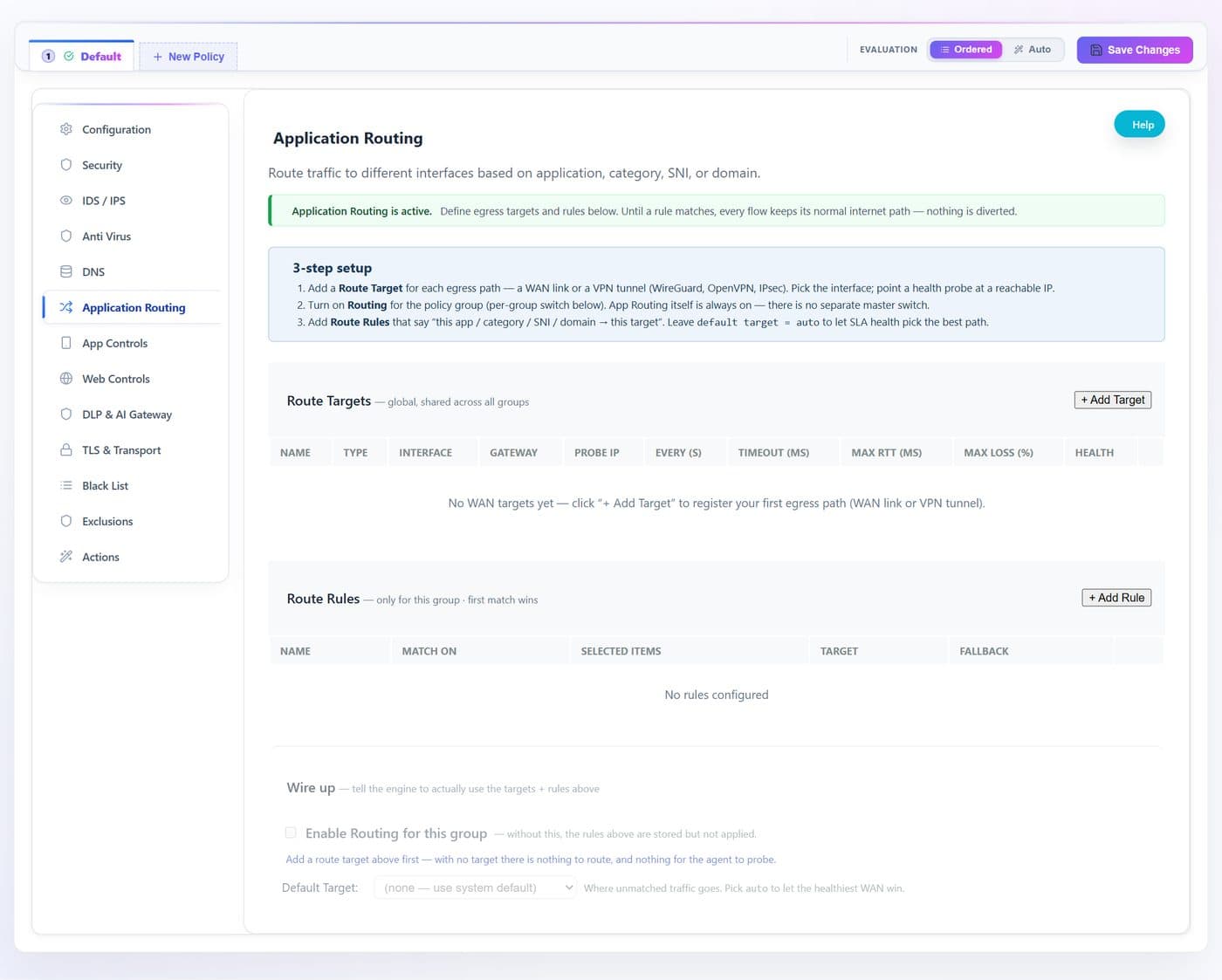
Deep inspection and application control, intrusion detection and prevention, TLS inspection, data loss prevention, an AI gateway, per-application routing across uplinks and central management, as nine pages under the Services menu: dashboard, devices, live sessions, reports, policies, settings, notifications, update and support.
From a package repository, using the platform's own package manager. It appears under Services after installation and uninstalls from its settings page.
No. Existing rules, interfaces, NAT and VPNs are untouched. Zedmos adds inspection and policy above them rather than replacing them.
Zedmos is an application-inspection and IDS/IPS layer for OPNsense in the same product category. What distinguishes it: intrusion prevention and application inspection in one engine with one rule base, a management console you can host yourself, licensing per firewall with no hardware in the licence, and the same engine available as a complete firewall on ZedmOS.
Yes. One engine, one policy model and one console across OPNsense, pfSense CE and Zedmos NGFW. A mixed estate is trained once and operated the same way.
Demo & pricing: info@zedmos.com
Request a demo